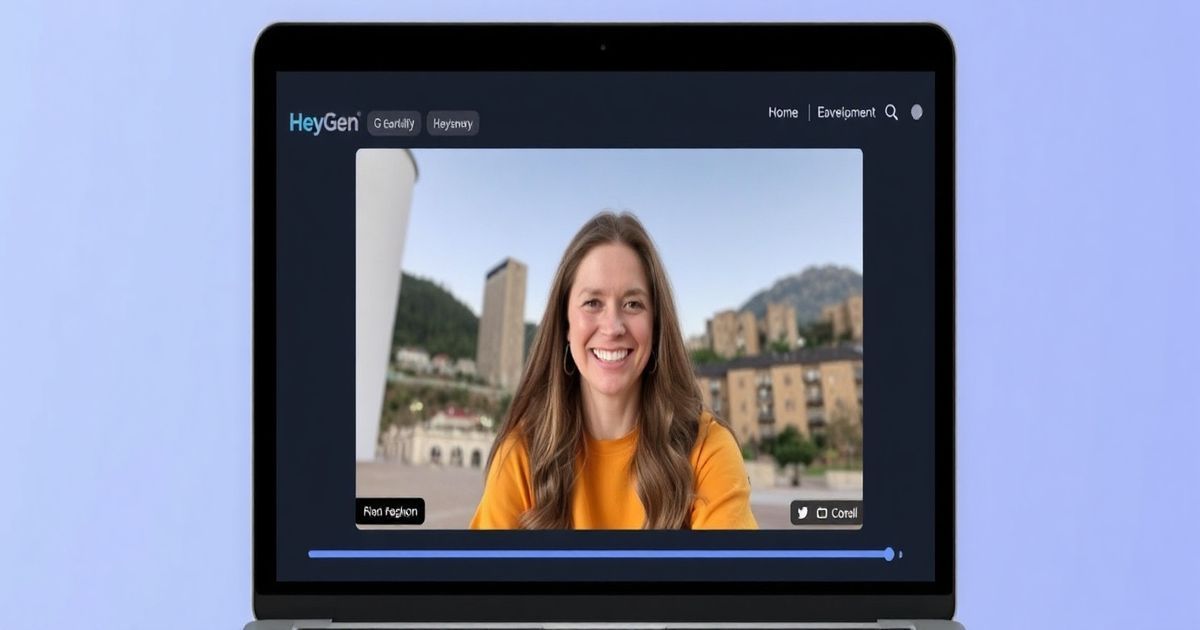
In a world where cold emails are increasingly ignored, video has become the ultimate way to stand out. However, recording a unique video for every single prospect is impossible for a small team. That is where HeyGen comes in. This AI-powered video platform allows you to create a high-quality digital twin (an AI avatar) that can speak directly to your leads without you ever needing to pick up a camera more than once.
Why Personalization is Non-Negotiable for Outreach
Standard cold emails often see reply rates as low as 1%. Adding a personalized video can triple those numbers. The problem is scalability. Using HeyGen, you can record a single base video and use “Dynamic Variables” to automatically change the name, company, or even the website background for every recipient. This gives you the impact of a 1-on-1 message with the efficiency of a mass email campaign.
Step-by-Step: Setting Up Your Video Sales Engine
1. Create Your ‘Instant Avatar’
The first step is to record a 2-minute video of yourself. HeyGen uses this to create your AI avatar. Once processed, this avatar will look like you, move like you, and sound exactly like you. You only have to do this once. Ensure you are in a well-lit room and speaking naturally to get the best results.
2. Scripting with Variables
Inside the HeyGen editor, write your script. To make it personalized, use the variable tag feature. For example: “Hey {first_name}, I saw what you are doing at {company_name} and wanted to share a quick idea.” When you run your automation, HeyGen will generate a unique video file for every lead in your list, seamlessly lip-syncing the personalized parts.
3. Using the ‘Screen Overlay’ Feature
One of the most effective use cases for founders is showing the prospect’s own website in the background of your video. In HeyGen, you can set a URL as the background. The AI will then record your avatar “floating” over the prospect’s homepage, making it look like you are doing a live walkthrough of their site.
A Real-World Use Case for Small Teams
Imagine you are a marketing agency founder targeting e-commerce stores. You can connect your lead list (from a CSV or CRM like HubSpot) to HeyGen. For every new lead, HeyGen generates a video where you greet the owner by name while their online store is visible behind you. This level of perceived effort almost always earns a response because it proves you aren’t just sending a generic template.
Best Practices for AI Video Outreach
- Keep it short: The sweet spot for sales videos is between 30 and 45 seconds.
- Focus on the ‘Why’: Don’t just talk about yourself; use the video to highlight a specific problem you solved for a similar client.
- Include a Clear CTA: Use HeyGen’s interactive features to put a “Book a Call” button directly on the video page.
- Test your Audio: Ensure your original avatar recording has zero background noise, as this affects the quality of every future video generated.