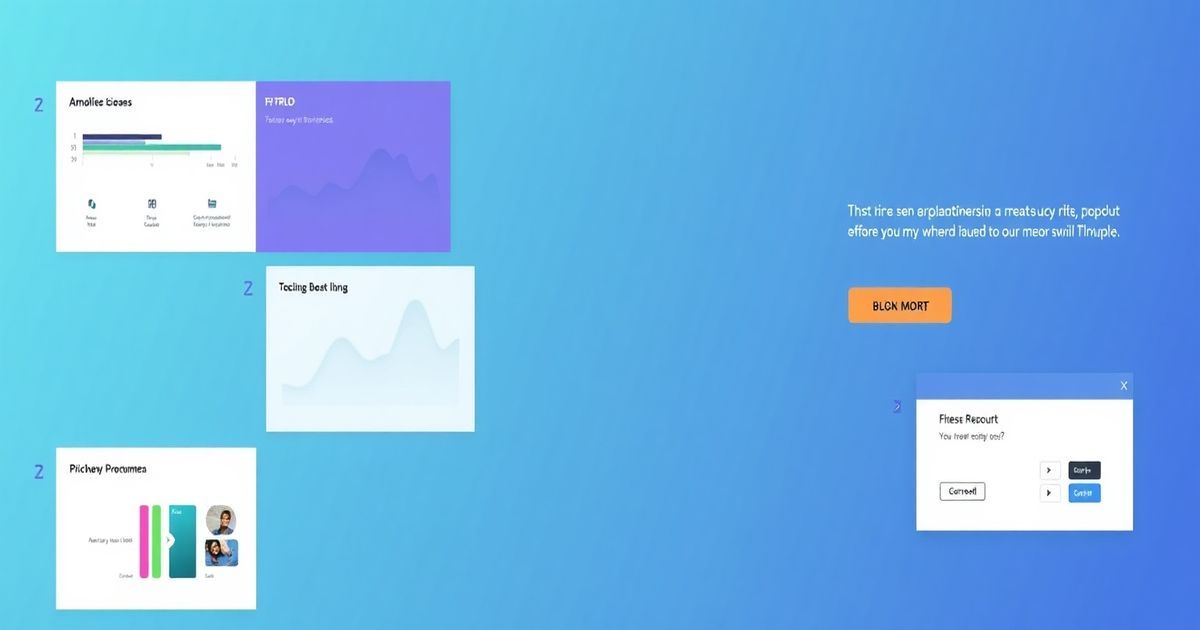
Creating a pitch deck is often the most time-consuming part of launching a new project or seeking investment. For years, founders and marketers have been stuck between two extremes: spending hours fiddling with PowerPoint alignment or paying a designer thousands of dollars for a custom deck. Gamma.app has emerged as a powerful middle ground, using AI to turn text prompts into polished, interactive presentations in seconds.
Why Gamma.app is Changing the Presentation Game
Unlike traditional slide software, Gamma doesn’t start with a blank white box. It uses a “flexible card” system that automatically adjusts layouts as you add content. This means you don’t have to worry about font sizes or image placement; the AI handles the aesthetics while you focus on the message.
Step-by-Step: Building Your First AI-Powered Deck
To get started, you don’t need design skills. You just need a clear idea of what you want to communicate. Follow these steps to build a deck that looks professional and functions perfectly on any device.
1. Generate Your Outline
Start by selecting the “Create with AI” option. You can choose to provide a simple one-sentence prompt or paste in a full project brief. Gamma will generate a structured outline for your deck, including sections for the problem, solution, market size, and business model. You can edit this outline directly before the AI generates any slides, ensuring the flow is exactly what you need.
2. Choose a Visual Theme
Once the outline is set, Gamma provides a library of professional themes. These aren’t just colors; they control the typography, button styles, and background elements. You can switch themes at any time during the process, and the AI will instantly reformat the entire deck to match the new style without breaking your layout.
3. Refine Content with the AI Editor
After the cards are generated, you might want to change a specific section. Gamma features an “Edit with AI” sidebar. You can highlight a paragraph and ask the AI to “make this more professional,” “turn this into a numbered list,” or “split this into two columns.” This interactive editing is much faster than manual formatting.
Practical Use Cases for Small Businesses
Gamma.app isn’t just for venture capital pitches. Here are three ways small teams and freelancers are using it daily:
- Client Proposals: Instead of sending a static PDF, send a live Gamma link. You can see when the client opens the deck and which sections they spend the most time on.
- Internal Strategy: Quickly turn a brainstorming document into a visual roadmap for your team to follow.
- Landing Pages: Gamma decks can be published as standalone web pages, making them perfect for quick product announcements or event invites.
Final Tips for Success
While the AI is powerful, your deck will be most effective if you provide specific data. Use the built-in integrations to embed live charts, YouTube videos, or even Typeform surveys directly into your slides. This turns a boring presentation into an interactive experience that keeps your audience engaged.